Why Cold Emails Land in Spam (and How to Fix It)
The five reasons cold emails go to spam, the numbers Gmail, Yahoo and Outlook check, and a checklist small teams can work through this week.
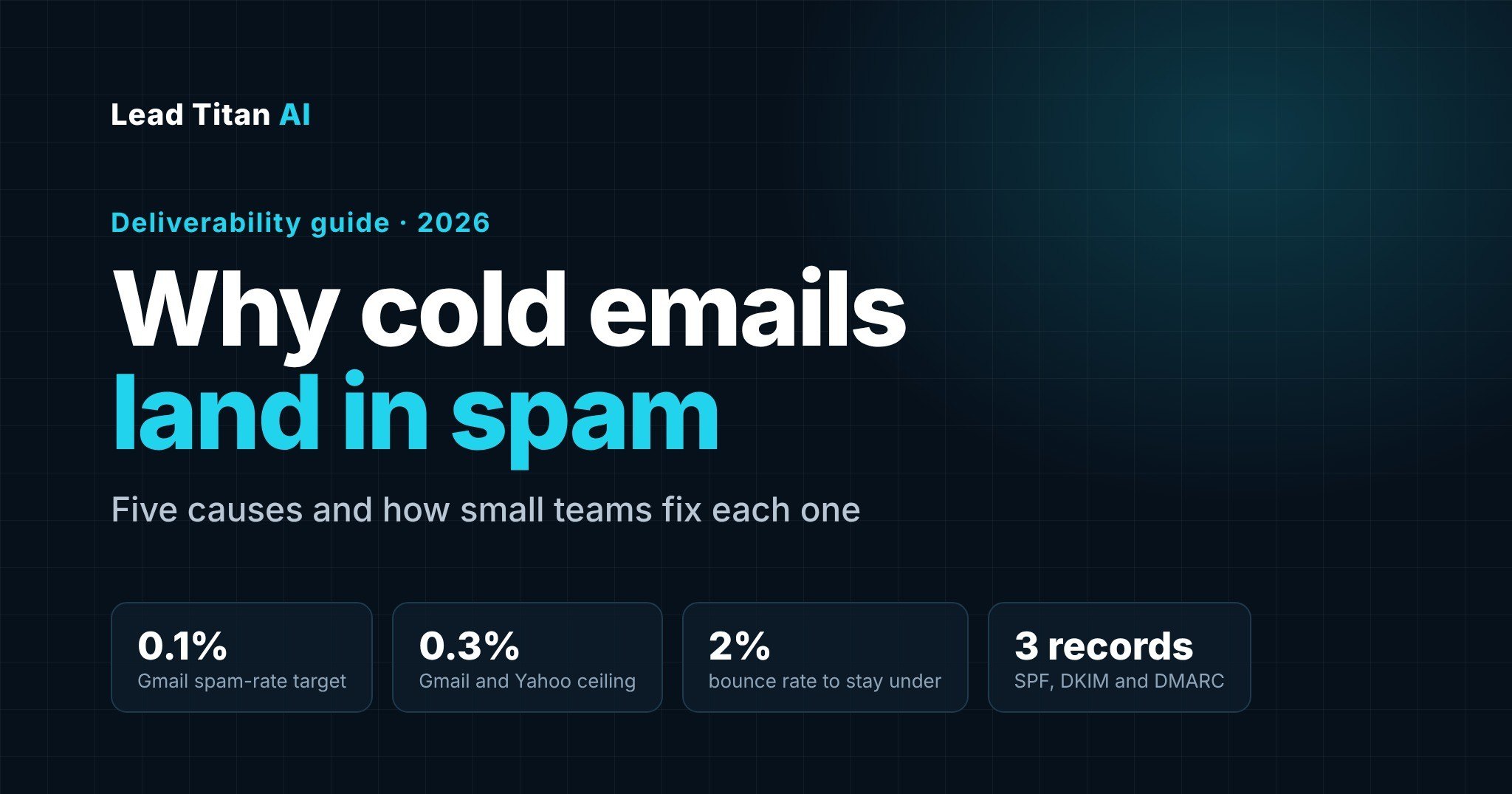
Most cold emails that land in spam get there for one of five reasons: the sending domain isn't set up properly, too many emails bounce, too many people hit "Report spam," the volume jumps too fast, or the email itself looks like mass mail. The good news for a small team is that all five are fixable, and none of them needs an expensive tool.
Here's what Gmail, Yahoo and Outlook actually check, the numbers that matter, and a checklist you can work through this week.
How inbox providers decide
Gmail, Yahoo and Outlook don't read your email and judge whether it's good. They look at signals about you as a sender:
- Who you are: is your domain set up to prove the email really came from you?
- Who you send to: do your emails reach real inboxes, or bounce?
- How people react: do they reply, ignore you or report you as spam?
- How you send: steady volume, or sudden spikes?
Together these make up your sender reputation. A bad week on any of them can push your next emails into spam, even the good ones.
Reason 1: Your domain isn't set up (SPF, DKIM, DMARC)
These three DNS records prove an email really came from your domain:
- SPF lists the servers allowed to send email for your domain.
- DKIM adds a digital signature that shows the email wasn't changed on the way.
- DMARC tells inboxes what to do when SPF or DKIM fails, and sends you reports.
Google requires every sender to personal Gmail accounts to set up SPF or DKIM. Senders of more than 5,000 messages a day to Gmail need both, plus a DMARC record, which can start with a policy of "none."
Microsoft added similar rules for Outlook.com, Hotmail and Live addresses. Since May 5, 2025, domains sending more than 5,000 emails a day must pass SPF, DKIM and DMARC.
Most small teams send far fewer than 5,000 a day, but set up all three anyway. It takes about an hour with your domain host, it's free, and it removes the most common reason for good email landing in spam.
Reason 2: Too many emails bounce
A bounce is an email that can't be delivered, usually because the address no longer exists. Inbox providers read a high bounce rate as a sign you're emailing a bought or stale list.
A common rule of thumb is to keep bounces under 2%. Mailchimp says a campaign over 2% means you should look at your list, and over 5% needs urgent review. Hunter's State of Email Outreach 2026 put the average bounce rate at 3.6%, so many teams are already over the line.
The usual cause is old data. B2B contact lists go stale fast as people change jobs and companies close or rebrand. We covered how fast that happens in How Fast B2B Email Data Goes Bad.
The fix: verify every address right before you send, not when the list was bought. Remove any address that hard-bounces, and never email it again.
Reason 3: Too many spam complaints
This is the number inbox providers care about most. Google asks senders to keep the spam rate shown in Postmaster Tools below 0.1% and to avoid ever reaching 0.3%. Yahoo uses the same 0.3% limit, measured against emails delivered to the inbox.
0.3% is just three complaints per 1,000 emails. For cold email, where nobody asked to hear from you, that line is easy to cross.
The fix:
- Email people your product is actually for. A tight list beats a big one.
- Make it easy to opt out. A clear "not interested? reply and I'll stop" line gets people to reply instead of hitting "Report spam."
- Stop after a few follow-ups. Four or five touches over a few weeks is plenty.
Reason 4: Your volume jumps too fast
A new domain that suddenly sends hundreds of emails looks like a spammer. Google's own guidance is to increase sending volume slowly and avoid sudden spikes.
The fix: warm up new domains and mailboxes. Start with a small number of emails a day and add a few more each day over several weeks. Many teams also send cold email from a separate domain, so a bad week doesn't hurt the domain their customers and invoices use.
Reason 5: The email looks like mass mail
Content matters less than reputation, but it still counts. Emails that read like a newsletter get treated like one.
- Keep it short and plain, with little or no formatting.
- Skip images, attachments and link shorteners in first emails.
- Use one link at most, or none at all.
- Write to one person about their situation, not to "business owners."
- Avoid subject lines in capitals or packed with "free," "guaranteed" or "act now."
The numbers to watch
| Metric | Healthy | Act now |
|---|---|---|
| Spam complaint rate | Under 0.1% | 0.3% or higher |
| Bounce rate | Under 2% | Over 5% |
| SPF, DKIM, DMARC | All three set up | Any missing |
| Daily volume on a new domain | Rising slowly | Sudden spikes |
Check your Gmail spam rate in Google Postmaster Tools. It's free once you verify your domain.
A checklist for this week
- Check that SPF, DKIM and DMARC are set up on your sending domain.
- Consider a separate domain for cold email.
- Verify your list right before you send, and remove anything that bounced before.
- Cut the list down to people your product clearly fits.
- Rewrite your first email: short, plain text, one clear ask, an easy way to say no.
- Cap follow-ups at four or five.
- Ramp new mailboxes up slowly.
- Watch your bounce and spam rates weekly.
How Lead Titan helps
Lead Titan is built around the part of deliverability most teams get wrong: the list.
- Every email is verified live, for your order. Leads aren't pulled from a list checked months ago.
- Junk is thrown out before you pay. Generic inboxes like info@ and sales@ don't count as leads.
- Bad email? You don't pay. If an email sent from Lead Titan hard-bounces within 30 days, you don't pay for that lead.
FAQ
Why do my cold emails go to spam when my normal emails don't?
Cold email goes to people who don't know you, so it gets fewer replies and more spam reports. It's also often sent in batches to lists with old addresses. Both hurt your sender reputation in a way one-to-one email doesn't.
Do I need SPF, DKIM and DMARC if I send fewer than 5,000 emails a day?
Google requires SPF or DKIM from every sender to Gmail accounts. The full set is only required above 5,000 a day, but setting up all three is free and is the easiest deliverability win there is.
What's a good bounce rate for cold email?
Under 2% is the usual target. Over 5% means your list needs urgent cleaning.
How long does it take to recover from landing in spam?
It depends on how bad it got. Google notes it can take some time for Gmail to adjust after your spam rate improves. Fix the cause first, then rebuild volume slowly.
Start with a clean list
Get about 25 verified leads a month, checked live when you order. No credit card.
Figures checked November 24, 2026. Sources: Google Email sender guidelines and FAQ, Yahoo Sender Hub, Microsoft's Outlook high-volume sender requirements (April 2025), Mailchimp and Hunter's State of Email Outreach 2026. Provider rules can change.